
Sample Scenarios
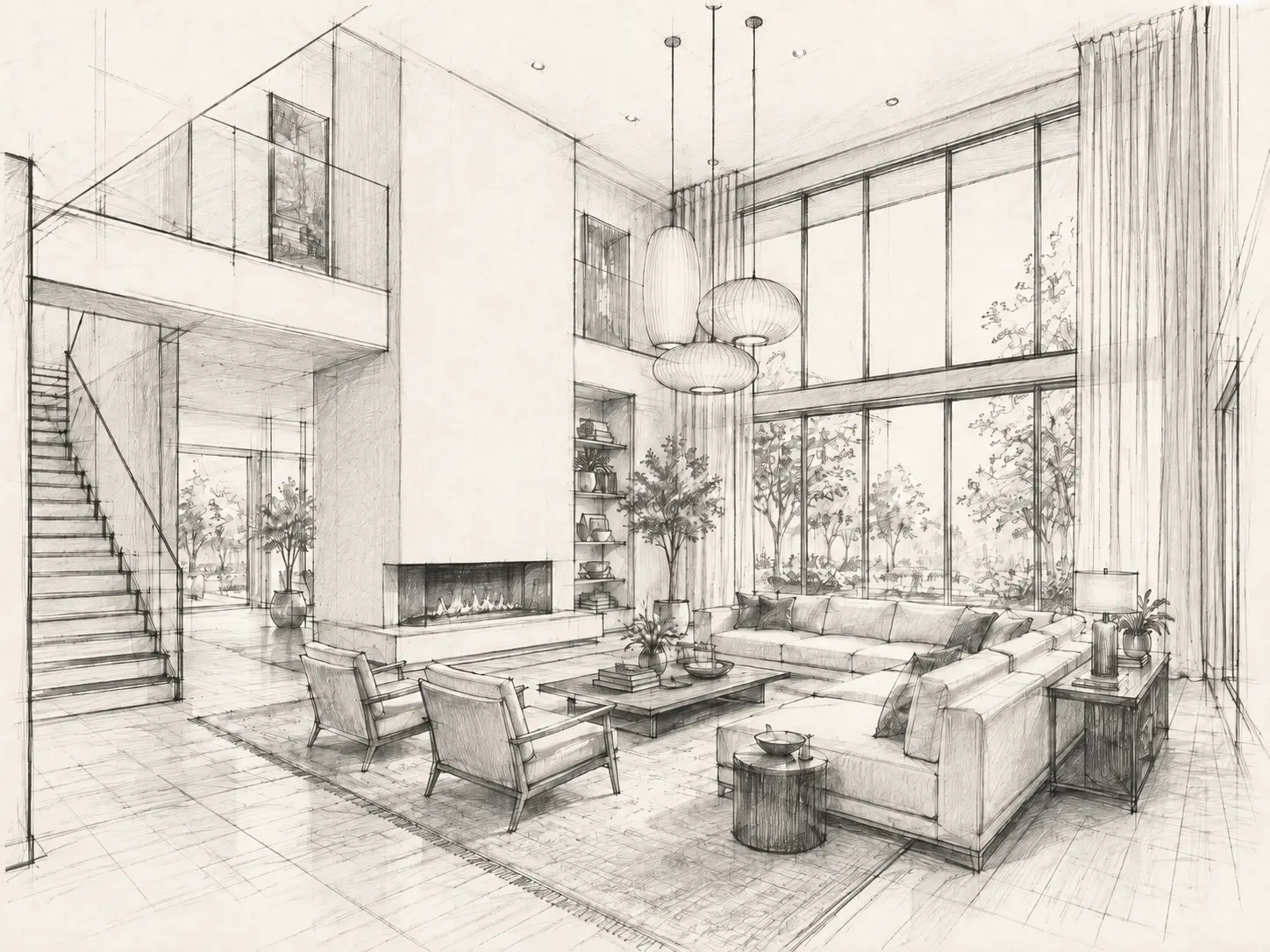
AI Interior Rendering
Turn 3D interior views from SketchUp, Revit, Rhino, Archicad and other tools into photorealistic interior renders in under 60 seconds.
Time of Day
Lighting
Style Presets
Additional Instructions
Travertine fireplace, warm oak flooring, cream upholstery and soft natural light. Keep the original room layout and materials.
How to use AI for interior rendering
Export the view from your 3D model
Save the interior camera you want to render as a PNG or JPG from SketchUp, Revit, Rhino, Archicad or another design tool.
Set the materials and lighting
Keep the existing design direction or describe the finishes, styling, daylight and artificial lighting you want to explore.
Take the render to presentation quality
Generate the image, then edit details, relight the room or enhance the version you want to present.
Create more realistic 3D interior renders
Keep designing in the 3D software you already use. When you are ready to visualize the space, export a view to Vibe3D and develop the materials, lighting and atmosphere without setting up a traditional rendering workflow.
Try AI Interior Rendering freeImprove material realism
Give timber, stone, fabric, metal, glass and painted surfaces more believable texture, reflection and depth.
Balance daylight and artificial light
Explore bright daytime interiors, warm evening scenes, spotlights and indirect cove lighting without rebuilding the model.
Add the finishing layer
Introduce soft furnishings, plants, artwork and restrained styling when the model needs more detail for a client-facing visual.
Refine the render without returning to the model
Use edits, relighting and enhancement for visual changes that do not require altering the underlying 3D design.
Photorealistic Results
3D interior rendering examples
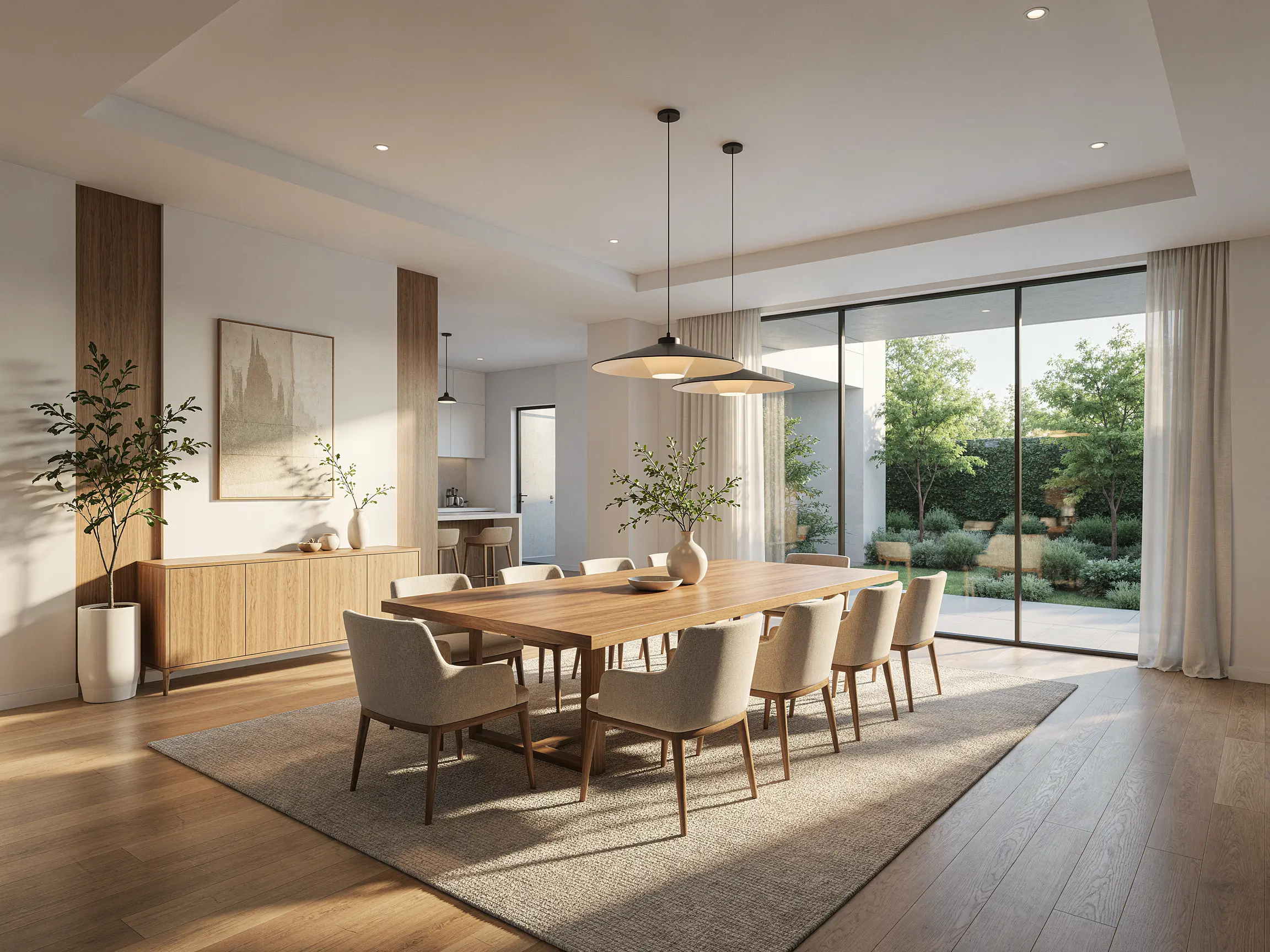
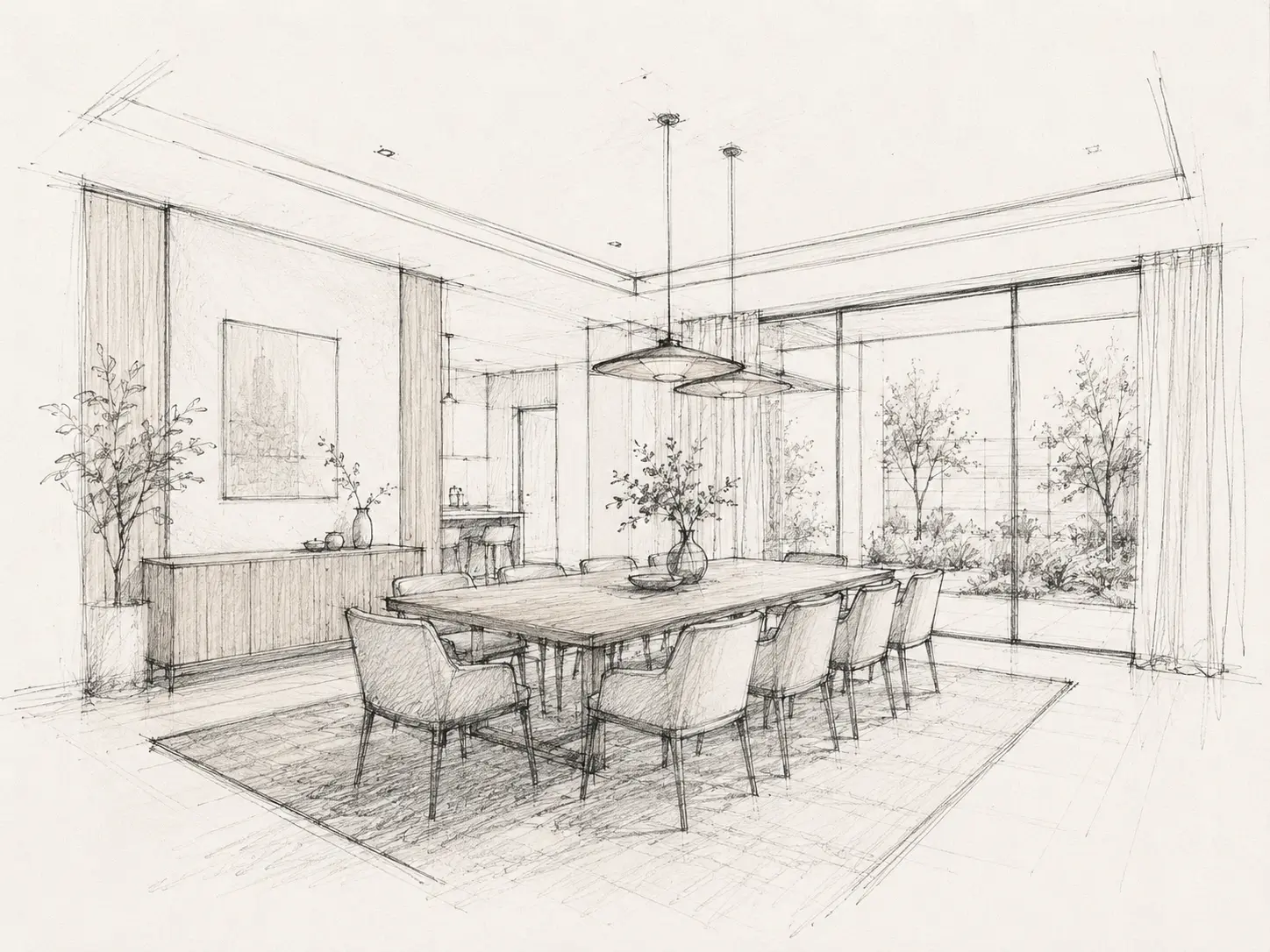
Simple interior line drawing transformed into a warm, photorealistic dining room render with materials and daylight
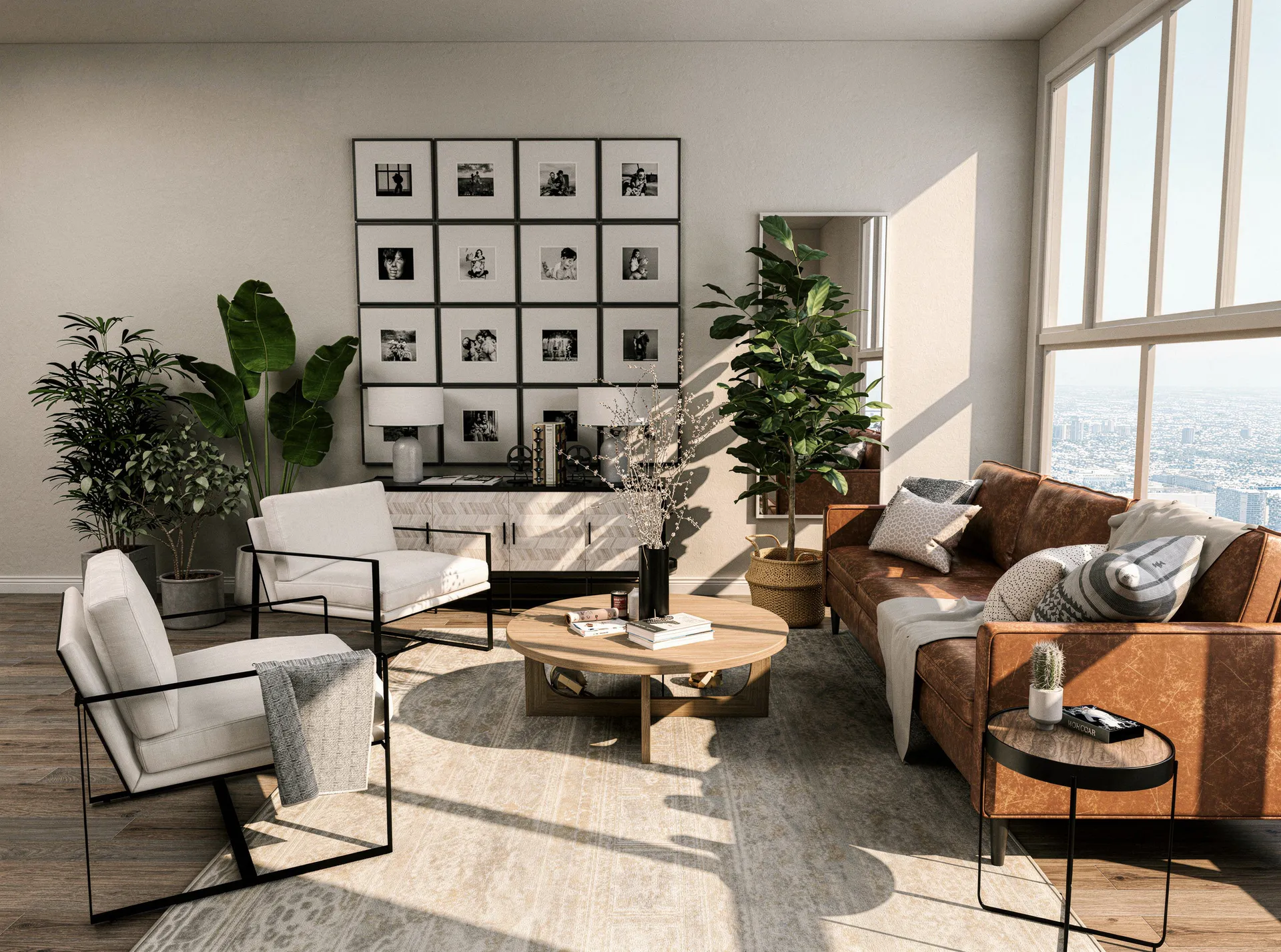
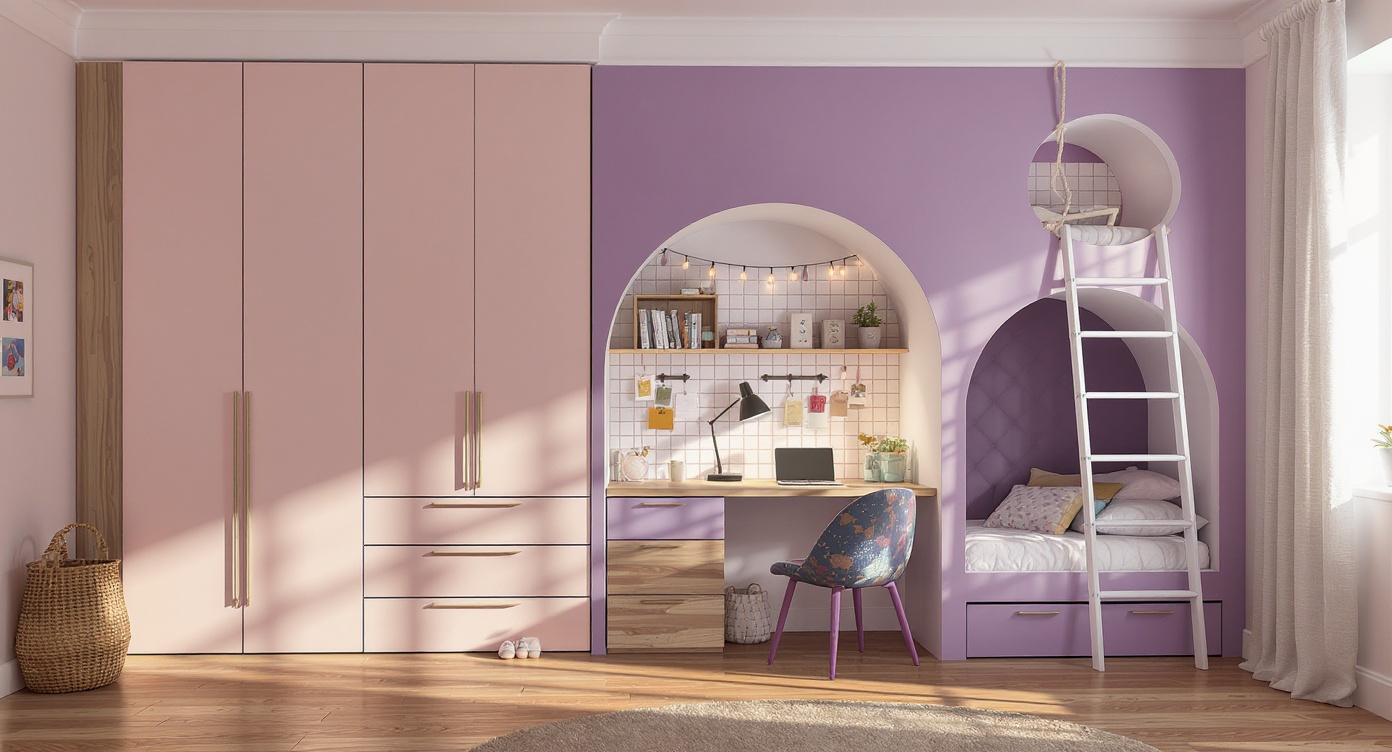
3D interior render of a children's bedroom with built-in storage and playful styling
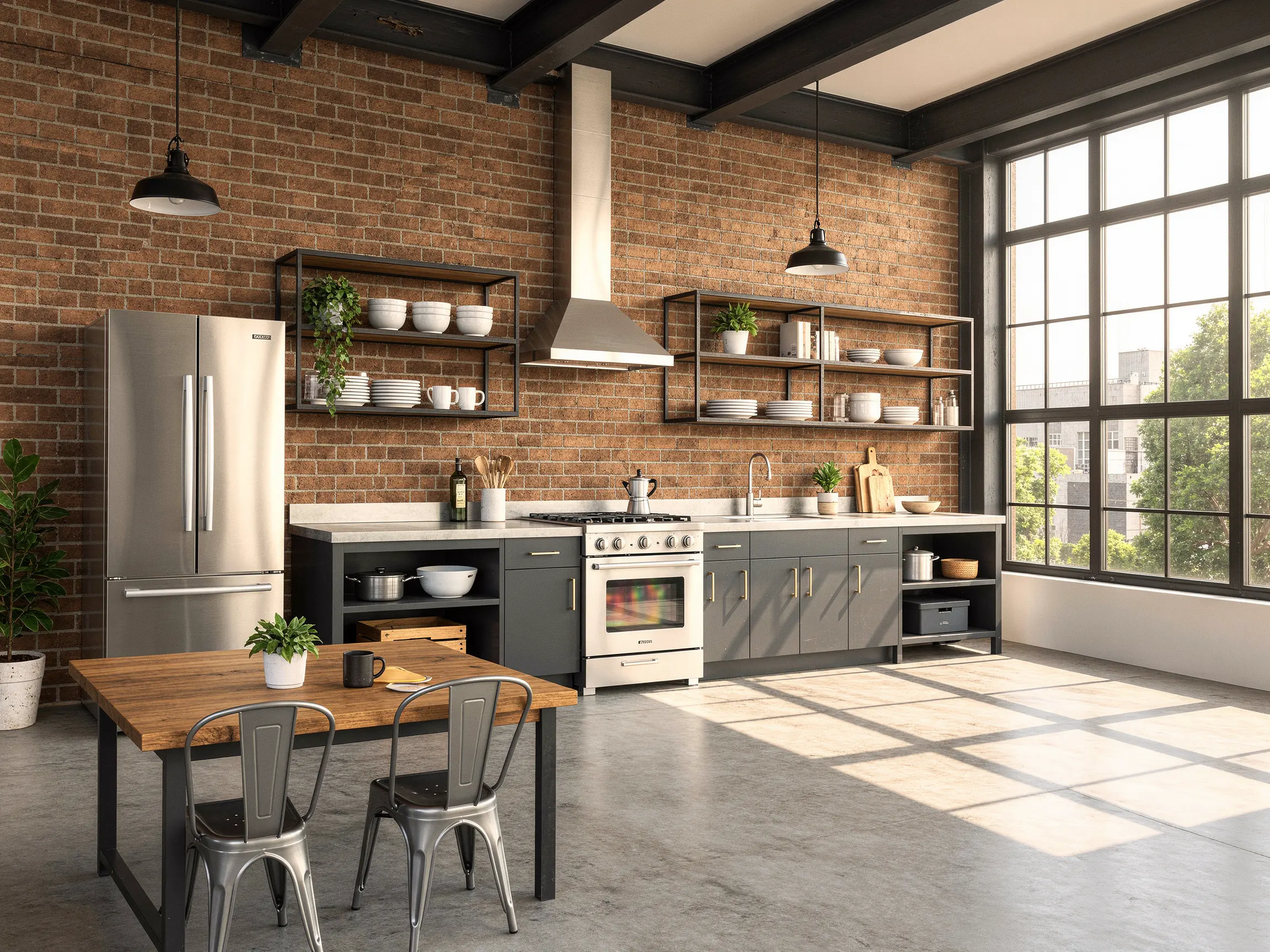
Photorealistic 3D interior rendering of a modern kitchen with island and warm ambient fixtures
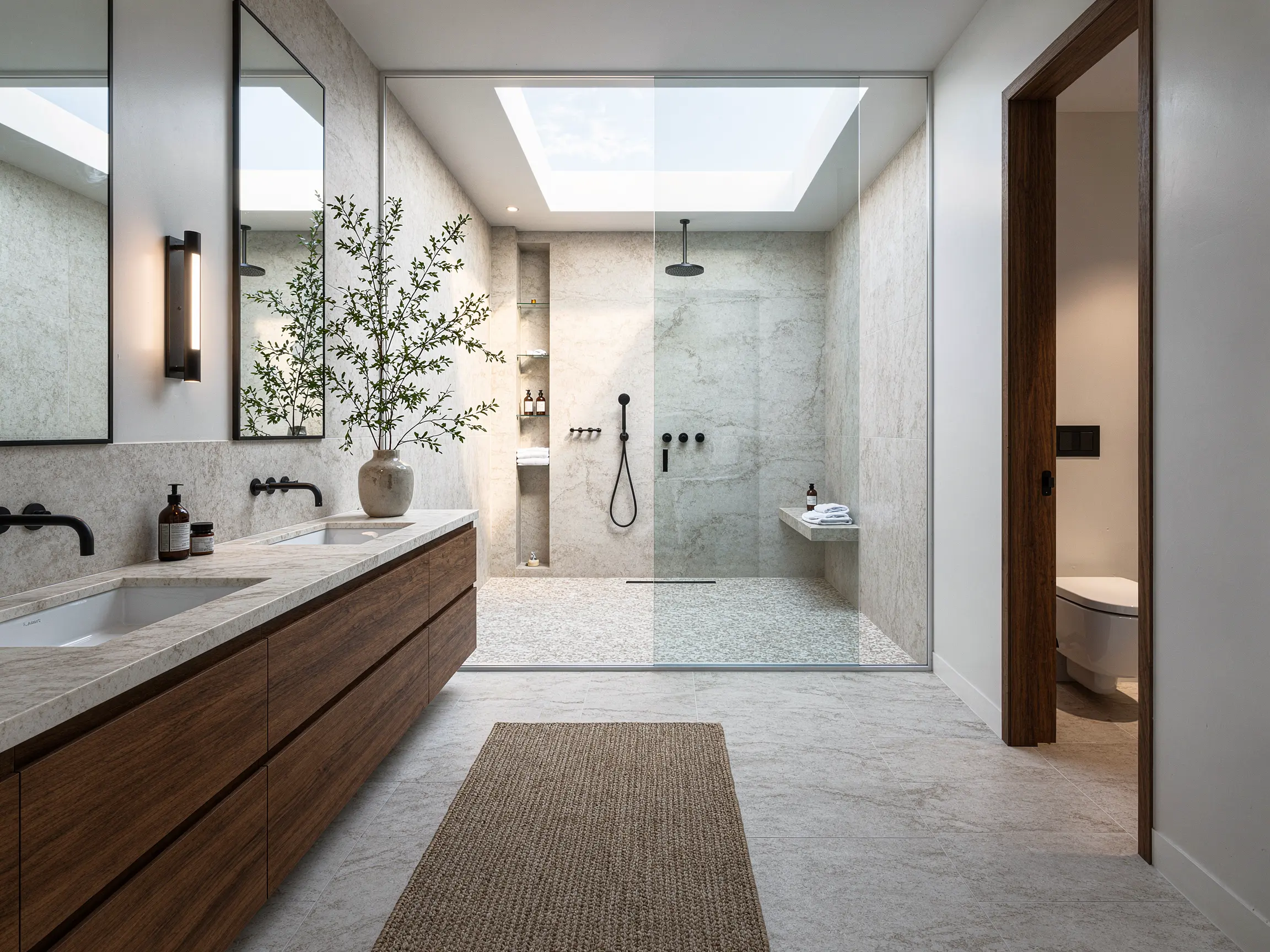
Contemporary bathroom model turned into a photorealistic modern ensuite with marble tile
Warm minimalist ensuite with matte black fixtures and walk-in shower
Commercial interior rendering of a modern boutique lounge with ambient spotlights
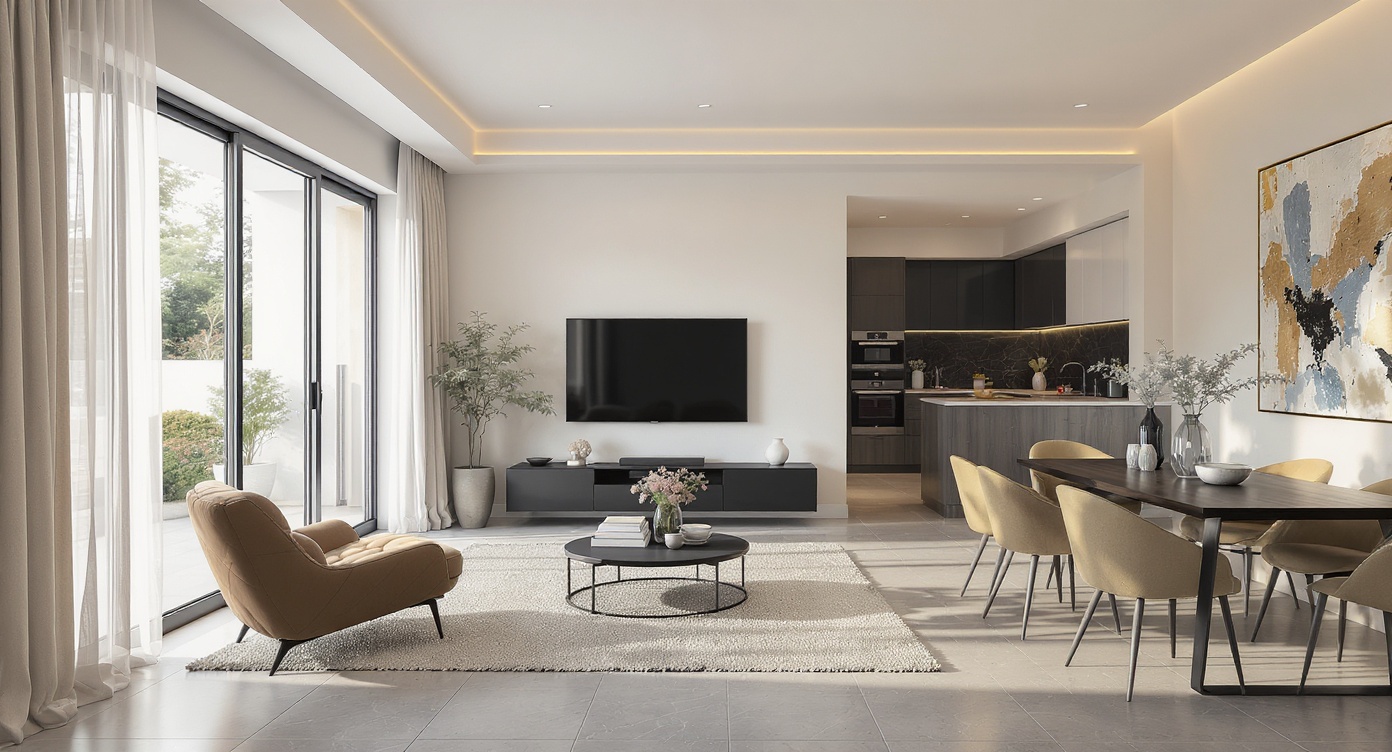
Industrial loft living space with exposed brick, oak floors and large factory windows
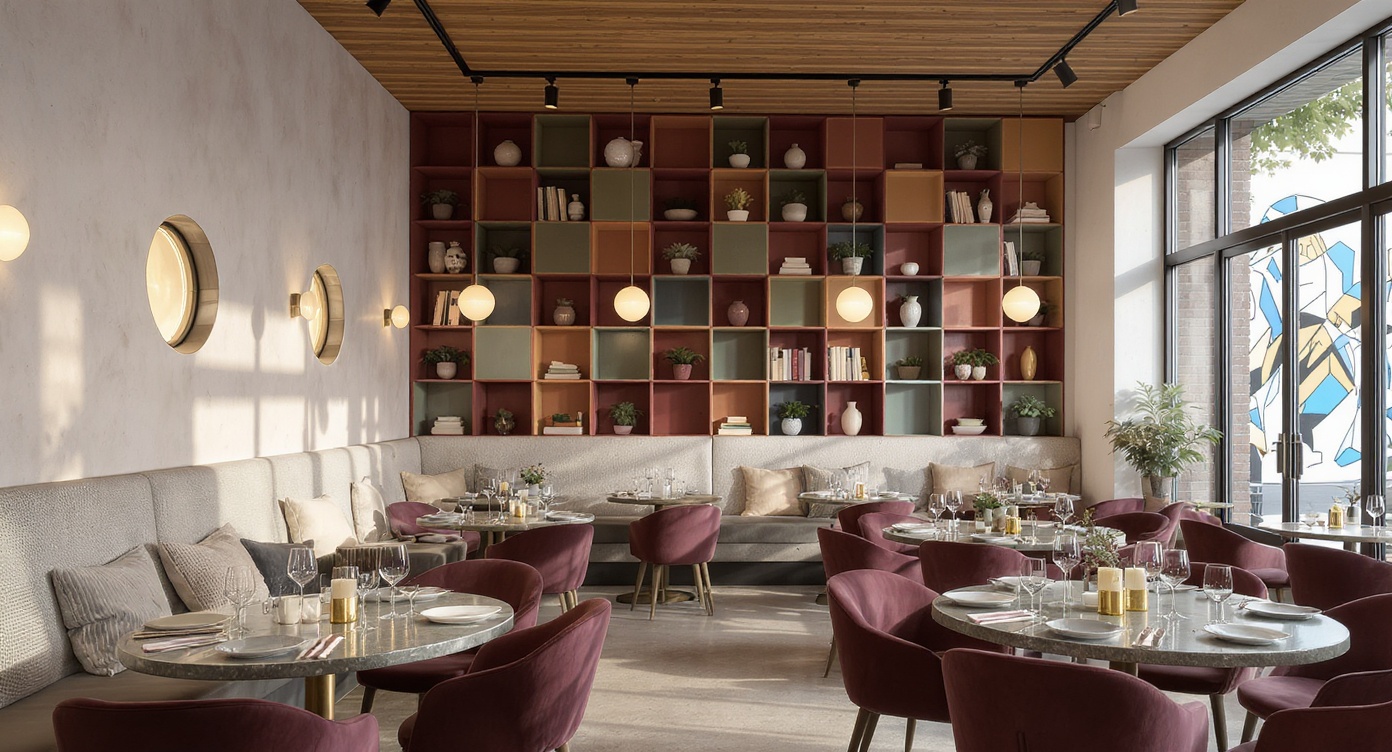
3D interior design rendering of an open-plan kitchen and dining area
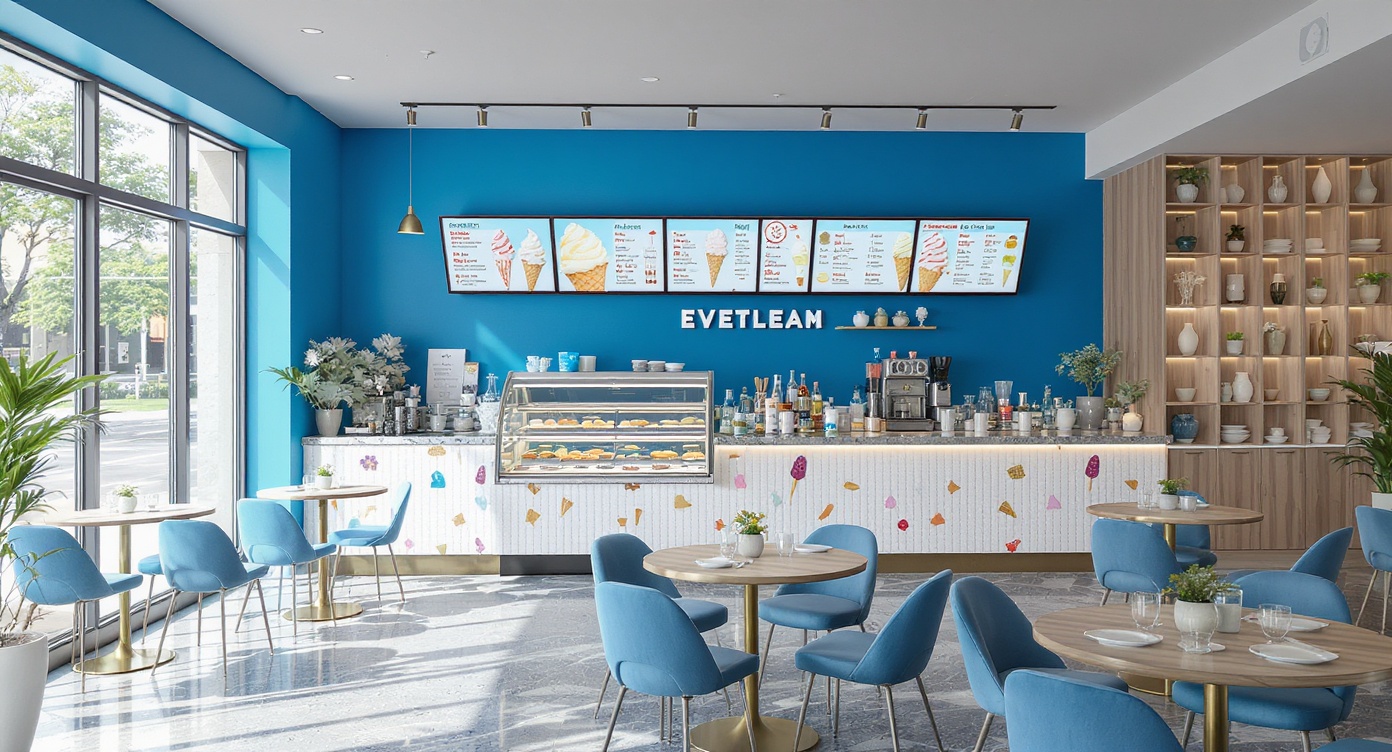
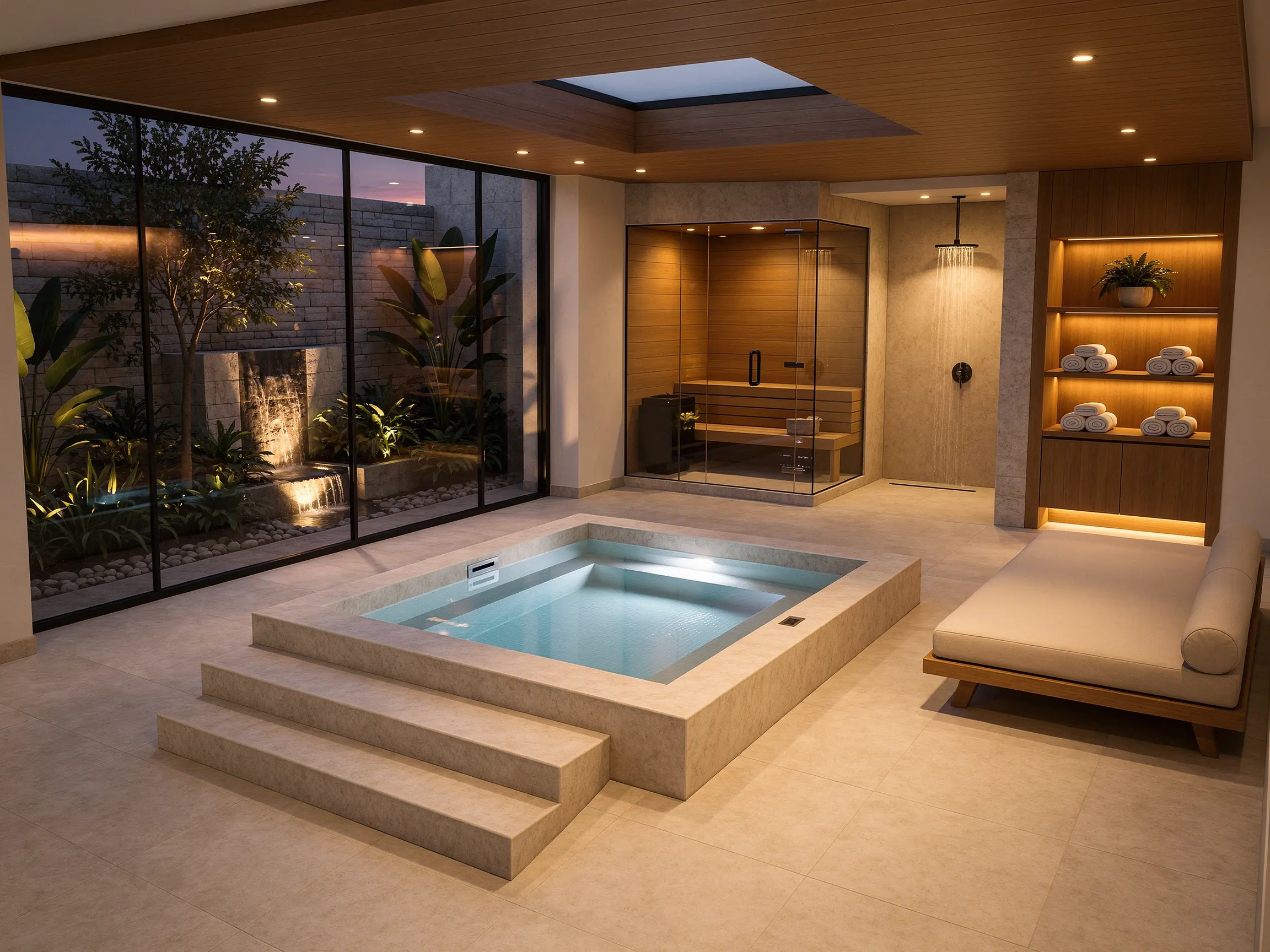
Indoor spa pavilion transformed into a photorealistic wellness retreat
FAQ
Common questions on AI Interior Rendering
Get started
Create stunning interior renders with AI
Upload a 3D model view and create photorealistic interior renders for client reviews and presentations.
Render your interior free- No credit card required
- Results in under 60 seconds